TradingView Hub (TV-Hub) is an automation platform that helps you convert TradingView alerts into real trades on a crypto exchange. TV-Hub fills that gap by acting as the bridge between your alert and your exchange account. In this article, we will dive into TradingView Hub Review
What is TradingView Hub?
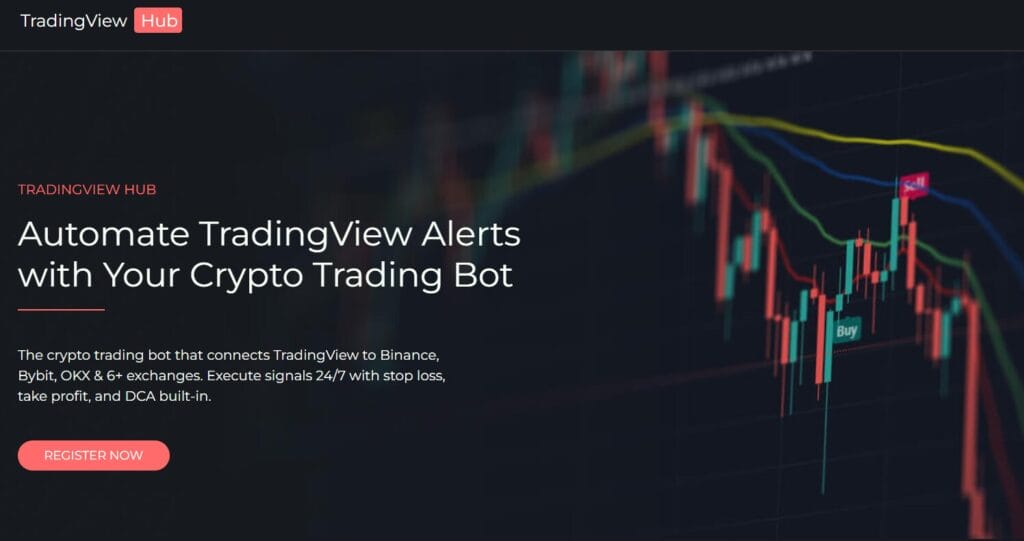
TV-Hub is a “middle layer” between TradingView and your exchange. You connect your exchange using API keys, then you send alerts from TradingView with the trade instructions. TV-Hub reads those instructions and places the trade.
It is important to be clear about what TV-Hub is and is not:
- TV-Hub is an execution automation tool
- TV-Hub is not a signals provider
- Your results still depend on your strategy quality and risk settings
How does TV-Hub work?
- Create alerts in TradingView
Your strategy or indicator triggers buy/sell/exit alerts. - Send the alert to TV-Hub
This can be done through webhooks, and TV-Hub also supports email-based routing in certain setups. - Connect your exchange
You add your exchange API keys to TV-Hub. These keys allow TV-Hub to place orders on your behalf. - TV-Hub executes the order
The platform converts the alert into a real exchange order and executes it based on your rules. - Monitor and manage trades
You can track execution through the platform logs and, for many workflows, through Telegram notifications and controls.
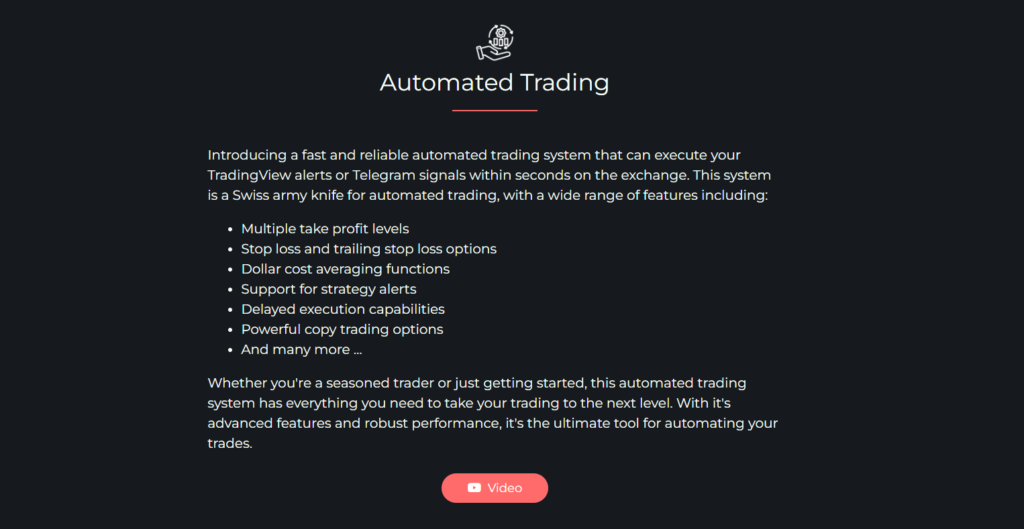
TradingView Hub Review: Core features
1) TradingView alerts to exchange execution
This is the main feature. If your TradingView alert says “enter long,” TV-Hub can place the long order automatically. This reduces delay, removes hesitation, and keeps execution consistent.

2) Alert routing options
TV-Hub is designed to accept alerts through different routes depending on your setup. Many traders prefer webhooks for speed, while others use email routing as a practical alternative or backup route.
3) Risk and position sizing controls
Execution is not only about “buy or sell.” It is also about how much to buy, where to exit, and how to manage downside. TV-Hub supports structured sizing methods such as fixed sizing, percentage sizing, and risk-based sizing when you define your stop loss clearly.
4) Stop loss and take profit structures
TV-Hub supports common exit structures that most automated workflows need:
- stop loss
- take profit
- multiple take profit levels
- trailing style logic depending on configuration
If you want automation, exits matter more than entries. TV-Hub is built with that reality in mind.
5) DCA and layered entries
If your strategy enters within a range rather than one exact price, TV-Hub can split entries across multiple orders. This is often used for scale-ins, DCA style entries, or entry zones.
6) Telegram monitoring and trade controls
For many users, Telegram is where TV-Hub becomes practical. Instead of only receiving trade alerts, the Telegram workflow can be used to monitor execution and manage trades without opening your exchange app every time. This is especially useful when you are away from your desk.
7) Chrome extensions (optional workflow tools)
TV-Hub offers Chrome extensions that focus on:
- making structured manual trading faster (pre-built order templates with SL/TP logic)
- helping optimize TradingView strategy parameters by testing combinations
Beginners can ignore this at first, but for advanced users, it becomes part of a full workflow.
8) Copy-trading style workflows
TV-Hub also supports copy-trading style execution, mainly aimed at traders who want to replicate trades across accounts or setups.
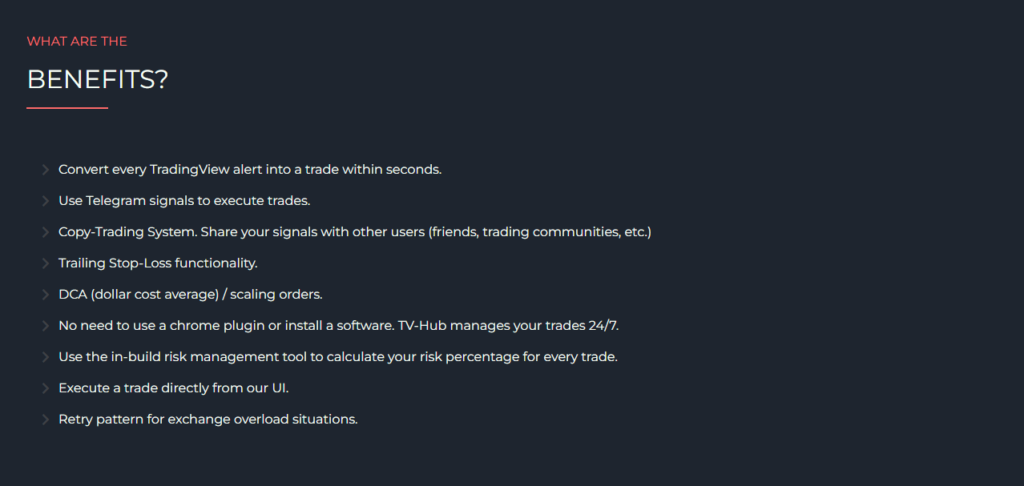
TradingView Hub Review: Fees
TV-Hub uses a subscription model instead of charging per trade.
Current pricing commonly shown includes:
- $23 per month
- $63 for 3 months
- $114 for 6 months
Important beginner note: TV-Hub is not your exchange. You still pay normal exchange costs such as maker/taker fees, and if you trade perpetual futures you may also pay funding fees. Spread and slippage are also part of real trading and exist regardless of which automation tool you use.
TradingView Hub Review: Affiliate program
TradingView Hub’s affiliate program is designed for creators, educators, signal groups, and trading communities that can drive recurring subscribers. It is not a “one-time bounty” system. Instead, it is structured like a revenue share program where you earn a percentage of subscription revenue and your referrals can receive a discount.
The program uses tiers based on the number of active referred subscriptions. At the entry level, the total share pool is 25%, typically split into 15% commission for the affiliate and 10% discount for the user. As you refer more active subscribers, you can move into higher tiers. Tier 2 increases the pool to 30%, and Tier 3 increases it to 35%. A key detail is that at higher tiers the split can become flexible, meaning you can choose whether you want a stronger discount for users (better conversion rate) or a stronger commission for yourself (higher earnings per subscriber).
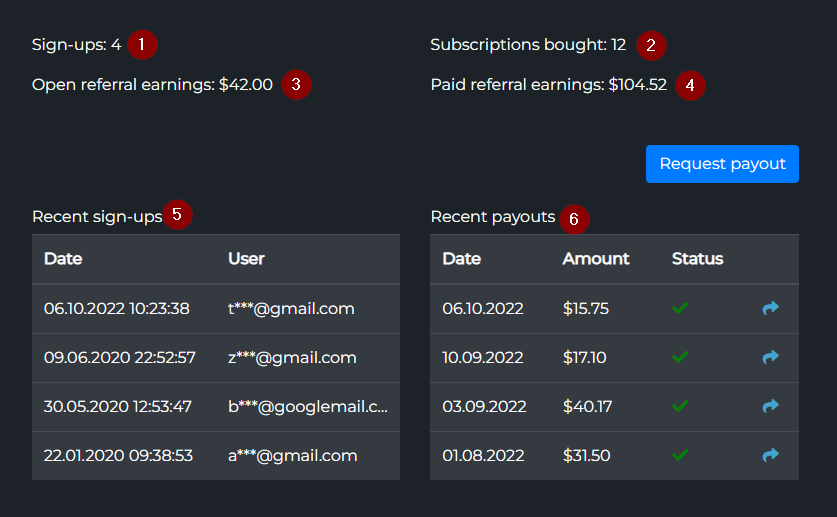
Operationally, you create an affiliate link inside your dashboard and share it in your content. The platform tracks signups and subscriptions attributed to your link, and your dashboard shows your earnings and referral performance. TV-Hub also sets a minimum payout threshold of $15, so you can request a payout once your pending earnings cross that level.
For most affiliates, the best approach is to demonstrate a realistic use case: show how a TradingView alert becomes a real trade, highlight how risk sizing and exits work, and emphasize that the tool reduces manual errors. It converts best when your audience already uses TradingView alerts or follows Telegram signals and wants faster execution.
Who should use TradingView Hub?
TV-Hub is a good fit if you:
- :already use TradingView alerts and want them executed automatically
- follow signals and want faster, more consistent execution
- want structured trade management (SL, TP, scaling)
- want to reduce manual trading mistakes
It is not a good fit if you expect the platform to generate profitable signals for you. TV-Hub executes what you tell it to execute.
TradingView Hub Review: Conclusion
TradingView Hub is best described as an execution bridge for TradingView. If your strategy is already producing alerts, TV-Hub can automate the “last mile” by placing real orders on your exchange and keeping you updated through logs and Telegram workflows.
The beginner-friendly appeal is clear: less manual work, fewer missed trades, and more consistent execution. Just remember the trade-off: automation makes good systems better, and bad systems fail faster. Start small, test thoroughly, then scale.
Do I need coding skills to use TV-Hub?
Not for basic automation. Most users can set it up through the dashboard. Coding helps only if you want custom alert formats or advanced strategy logic.
Does TV-Hub charge per trade?
It is subscription-based. Your exchange still charges its standard trading fees.
Can I manage trades from my phone?
Many users rely on Telegram for monitoring and quick trade actions, which works well on mobile.
Is TV-Hub a signal provider?
No. It is an execution and automation platform. It places trades based on your alerts, not its own predictions.