
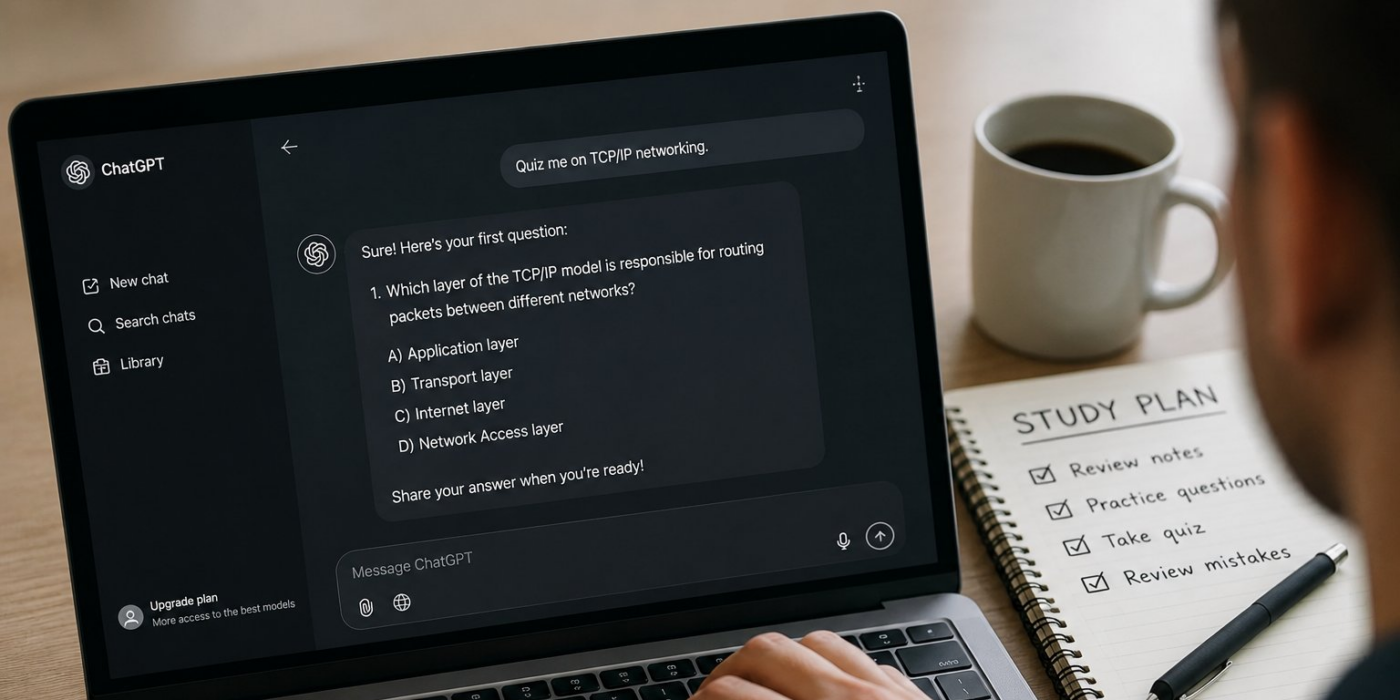
ChatGPT can quiz you without a special quiz app or paid add-on.
In a regular conversation, tell it the topic, difficulty, question format, and whether you want answers revealed immediately or only after you respond.
For a more structured session, Study Mode adds Socratic questions, hints, step-by-step guidance, and knowledge checks. OpenAI says Study Mode is available across ChatGPT plans globally on web, iOS, and Android. A separate Quizzes shortcut may appear in some accounts or apps, but it is not required.
OpenAI’s current Study Mode guide says the feature works in regular ChatGPT conversations and Temporary Chats, but not inside GPT or Project conversations. If a quiz shortcut is missing, you can still turn on Study Mode and ask ChatGPT to quiz you or create practice questions.
How to set up a ChatGPT quiz that fits your goal
For a quick recall check, “Quiz me on TCP/IP basics” is enough to start. For a better session, make the setup prompt explicit about level, scope, format, and feedback.
Try:
Quiz me on [topic] at a [beginner/intermediate/advanced] level. Ask one question at a time using [multiple choice/open-ended] questions. Don’t reveal the answer until I respond. Explain anything I miss, then make the next question slightly harder.
That gives ChatGPT fewer details to guess and makes it easier to adjust the quiz if it is too easy, broad, or repetitive.
OpenAI recommends including your level, exact topic, goal, what you already understand, any deadline, and relevant materials. If Memory is enabled, Study Mode can use saved memories and past chats to personalize the session; it still works with Memory off.
Study Mode does not bypass the limits of standard ChatGPT. OpenAI says it uses the same plan, model, message, and rate-limit rules as the rest of ChatGPT.
How to verify ChatGPT’s quiz answers
A correct-looking explanation is not a verified answer. OpenAI warns that Study Mode can make mistakes and recommends double-checking important information.
For exams, certifications, or workplace training, compare disputed answers with an independent source such as a textbook, instructor materials, official vendor documentation, or a certification guide.
Asking ChatGPT to reconsider its own answer can expose inconsistencies, but it is not independent verification because the same system is checking itself.
When you get an answer wrong, ask for the rule, formula, or source concept behind the correction rather than only the final answer. That gives you something concrete to check elsewhere.
For confidential work material, follow your employer’s AI and data-handling policy before pasting it into a consumer chat service. Sensitive material may require an approved enterprise workspace or additional security controls.
A reliable routine is simple: set the level and format before question one, answer before ChatGPT explains, review every mistake, and independently verify anything that affects an exam, certification, or work decision.
Also read: OpenAI’s three education plugins for teachers and college students can create quizzes, study plans, and other materials in eligible managed workspaces.