
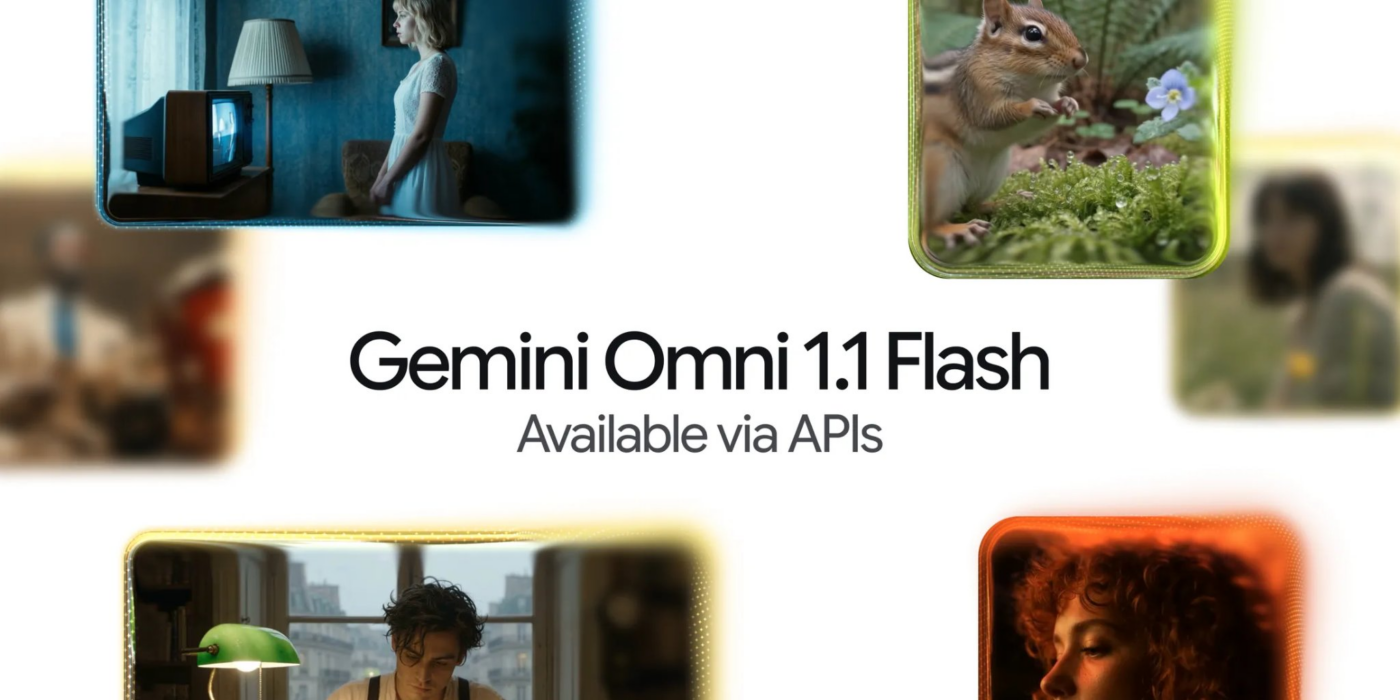
AI video has gotten good at making impressive clips. Google’s latest Gemini update is about making those clips obey the creator.
Announced on Aug. 27, Gemini Omni 1.1 Flash gives developers several new ways to control what happens between the beginning and end of a generated sequence, including extending existing footage and generating motion between specified first and last frames. The latter can be used to create camera movements, zooms, and transitions without asking the model to invent the entire shot from scratch.
Google is also giving developers more control over the production process itself. Video formats at 360p previews can be generated faster and more cheaply for experimentation, while completed clips can be output at 1080p or 4K.
Taken together, the changes suggest Google is targeting the gap between an AI video demo and a tool that creators can repeatedly refine into a finished piece.
Google upgrades Omni, but with limits
When Google released its Omni AI video generator, the model could create clips between three and 10 seconds long, but extending those clips remained challenging. Longer sequences could introduce inconsistencies in characters, settings, movement, and other visual details.
That is the exact problem Google aims to fix with Omni 1.1.
The updated model can extend an existing scene in 10-second increments, up to a cumulative 40 seconds, while using up to 10 seconds of previous footage as context for the next generation. That extra context is meant to give the model more information about what is already happening in the scene, helping it maintain visual and narrative consistency as the video continues.
Developers can also control how a generated sequence transitions between two points by providing a first and last frame.
But Omni 1.1 still has clear limits. The model can only generate 3–10 seconds of video in a single pass, so the 40-second maximum must be built through repeated extensions. Google also limits video references to short inputs of 3 seconds, so the model is not designed to take a long piece of footage and freely transform it from beginning to end.
The same distinction applies to resolution. Omni 1.1 can output video at 360p and 720p, while 1080p and 4K are available through upscaling rather than native generation at those resolutions. In other words, Google has made Omni better at building longer, more controlled sequences, but it has not turned the model into a tool for generating unrestricted long-form video in one pass.
Pricing and availability
Google is making Omni 1.1 Flash available across its developer and creator tools.
Developers can access the model through Google AI Studio and the Gemini API, while enterprise customers can use it through the Gemini Enterprise Agent Platform. The new Omni 1.1 capabilities are also available in Google Flow.
For API users, Google’s token-based pricing works out to roughly:
- 360p video: $0.03 per second
- 720p video: $0.10 per second
The cheaper 360p option is designed for experimentation. Developers can generate lower-resolution previews while testing prompts, camera movements, and transitions, then move to higher-quality output once they are satisfied with the result.
That could make repeated iteration significantly less expensive, especially for teams that need to test several versions of a scene before settling on a final clip.
Where Omni 1.1 could make a difference
For anyone who has experimented with AI video, generating a visually impressive clip is only part of the job. The harder part can be getting the model to produce the movement you want, preserve important elements of the scene, and make changes without forcing you to start over.
That is where Omni 1.1 could be more useful than its 40-second maximum suggests.
A marketing team creating a product video, for example, may already have an opening shot it likes but need to extend the scene while keeping its characters and visual details consistent. A social media creator might want a specific camera movement between two shots. Someone building a storyboard could generate several low-resolution versions of a sequence before committing to a higher-quality version.
Those are increasingly important use cases as Google’s broader AI model lineup expands beyond general-purpose Gemini tools into specialized systems for video, images, audio, and other creative work.
Omni 1.1’s new controls are designed to make those video workflows more manageable. First- and last-frame generation gives creators more control over where a shot begins and ends, while scene extension lets them continue footage they already like rather than regenerating the entire sequence. Google also says its 360p mode costs one-third as much as standard 720p generation, making repeated experimentation less expensive.
That approach fits into Google’s broader push to make AI video creation more accessible. The company has also been expanding Google Vids with AI-generated presenters, music tools, and other features to reduce the amount of manual production work required.
There are still important limitations. Omni 1.1 generates only 3 to 10 seconds at a time; longer sequences require repeated 10-second extensions, and the model’s 1080p and 4K options rely on upscaling rather than native generation at those resolutions. More complex projects may therefore still require conventional editing software to assemble, refine, and polish the finished video.
But Google does not need Gemini to generate an entire commercial, product demo, or social video in a single prompt for the technology to become more useful.
For creators, the more meaningful improvement is being able to keep the parts of an AI-generated video that work and exert more control over what happens next. If those controls make the generation process more predictable in practice, Omni 1.1 could move AI video another step away from impressive one-off demos and closer to a tool that fits into everyday production workflows.
Related reading: For a closer look at Google’s tools for building and testing generative AI applications, see TechRepublic’s Google AI Studio cheat sheet.